Built for the way you cook.
Keep every recipe on your iPhone and iPad. Trivet imports from any link or social post, scales servings, plans your week, and builds the grocery list. No account, no ads.
Trivet is free on the App Store: import any recipe, scale it, and plan the week on your iPhone and iPad.
Download on theApp StoreImport
It imports the first time
Share a page straight from Safari or paste the link, and Trivet reads the structured recipe data the site publishes, with fallbacks for the sites that publish none. You get clean ingredients and steps, and a draft you can fix in seconds. Away from the web it scans a photo, a handwritten card, a PDF, or a saved video, reading the text on screen and listening to the narration, all on your device. Your whole Paprika library comes over in one file. Web import is free and never capped, and the first three scans are free too.
Scale
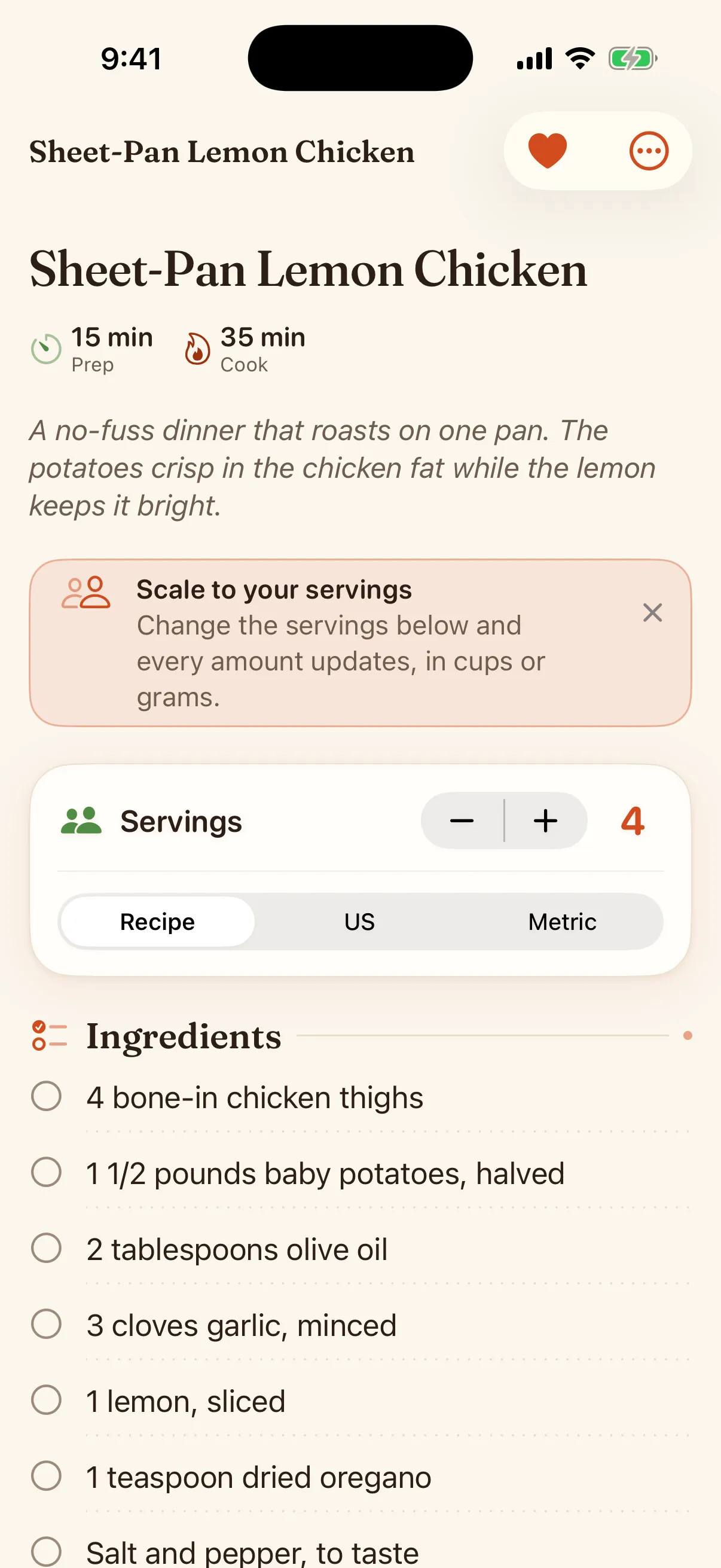
Servings that redo the math for you
Set how many you are feeding and every amount updates, fractions and all. Switch between cups and grams with real conversion, not a rounded guess, and set the measures you cook in: US, metric, UK imperial, or Australian. The numbers come from the same engine the app is tested against, so they hold up.
Plan
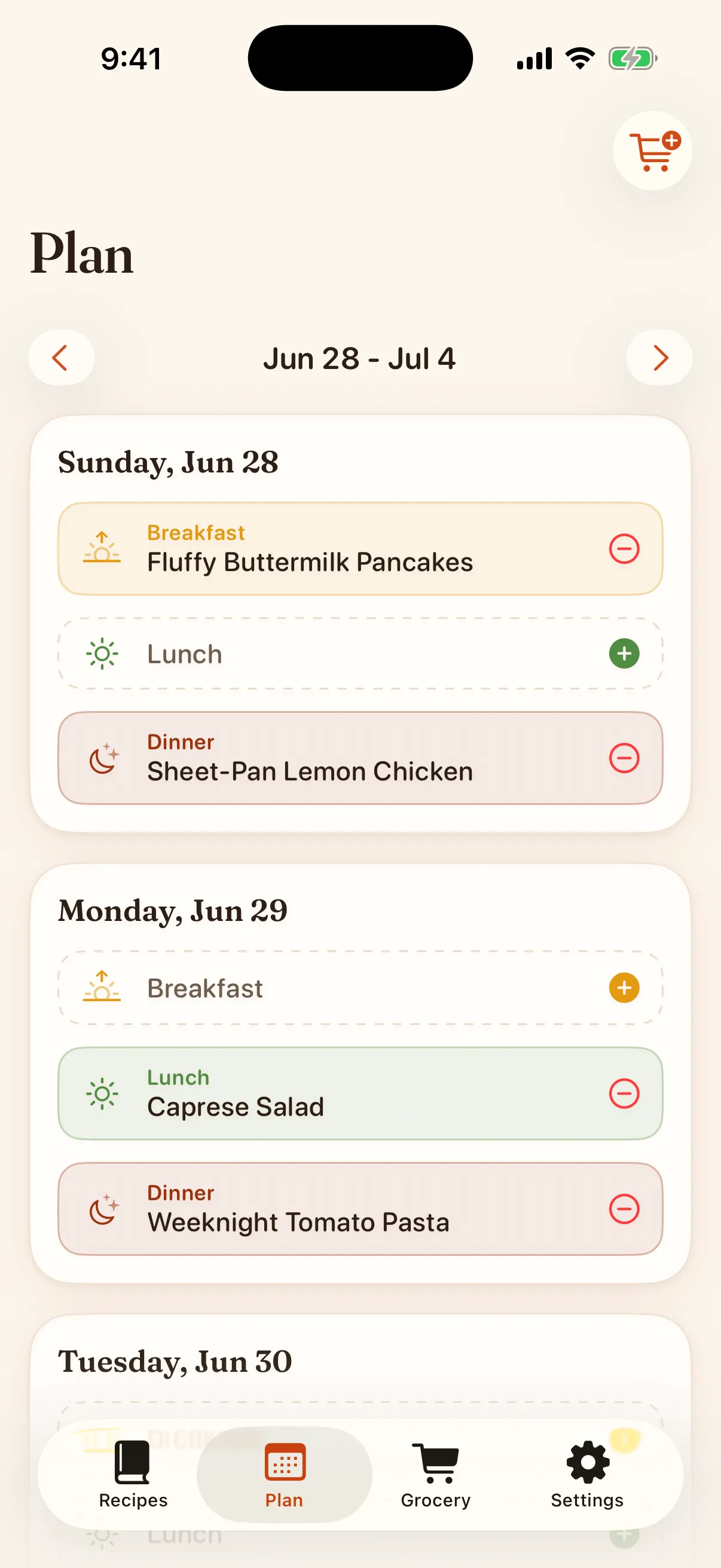
A meal planner that actually works
Drop recipes onto your week. Move them around. Turn the whole plan into a grocery list in one tap. This is the part the old apps get wrong, so it is the part we built with the most care. Seven planned meals are free, and Premium removes the limit.
Shop
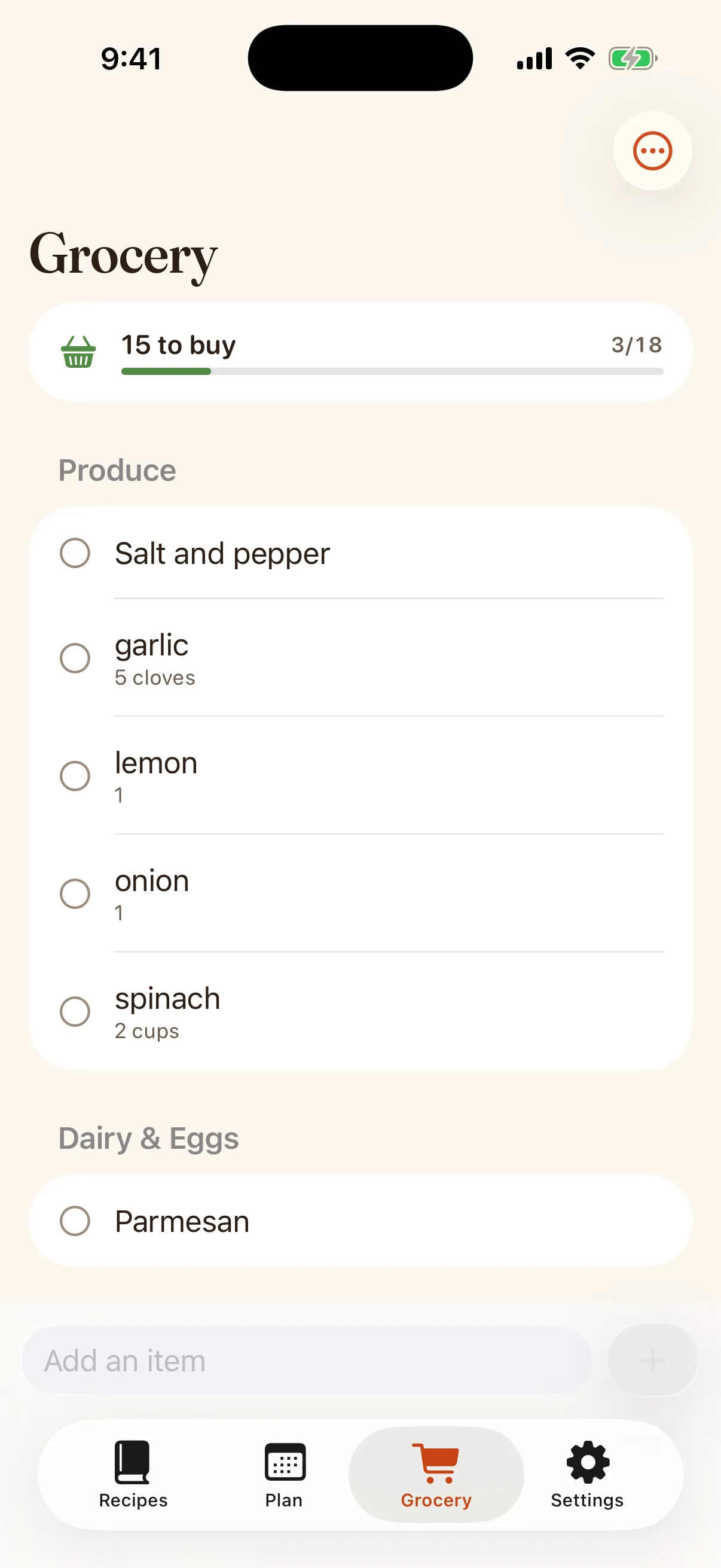
A grocery list sorted the way you shop
A basic grocery list that combines duplicates is free. Premium sorts it by store aisle: produce, then meat, then dairy, the way you actually walk the store. Check items off as you go, on your phone or your watch.
Cook
A cooking mode built for wet hands
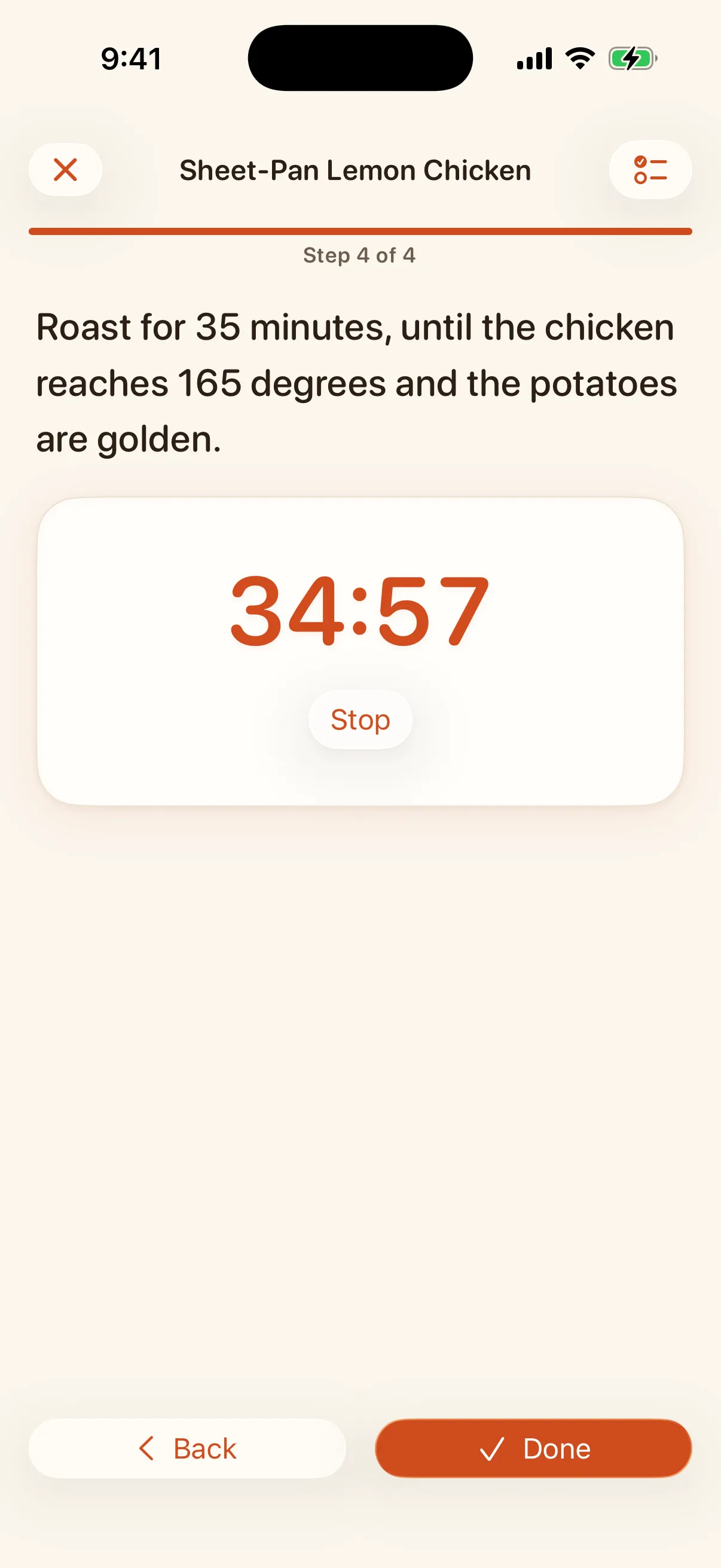
One step at a time in type you can read from across the kitchen, with the screen staying awake. When a step says 35 minutes, the timer is one tap, the countdown lives on your Lock Screen and in the Dynamic Island, and it rings even if the phone locks or you switch apps. Finish, and Trivet remembers you cooked it.
Your notes, on the recipe
Margin notes that stay with the dish ("doubled the garlic"), plus how many times you cooked it and when.
Cookbooks and tags
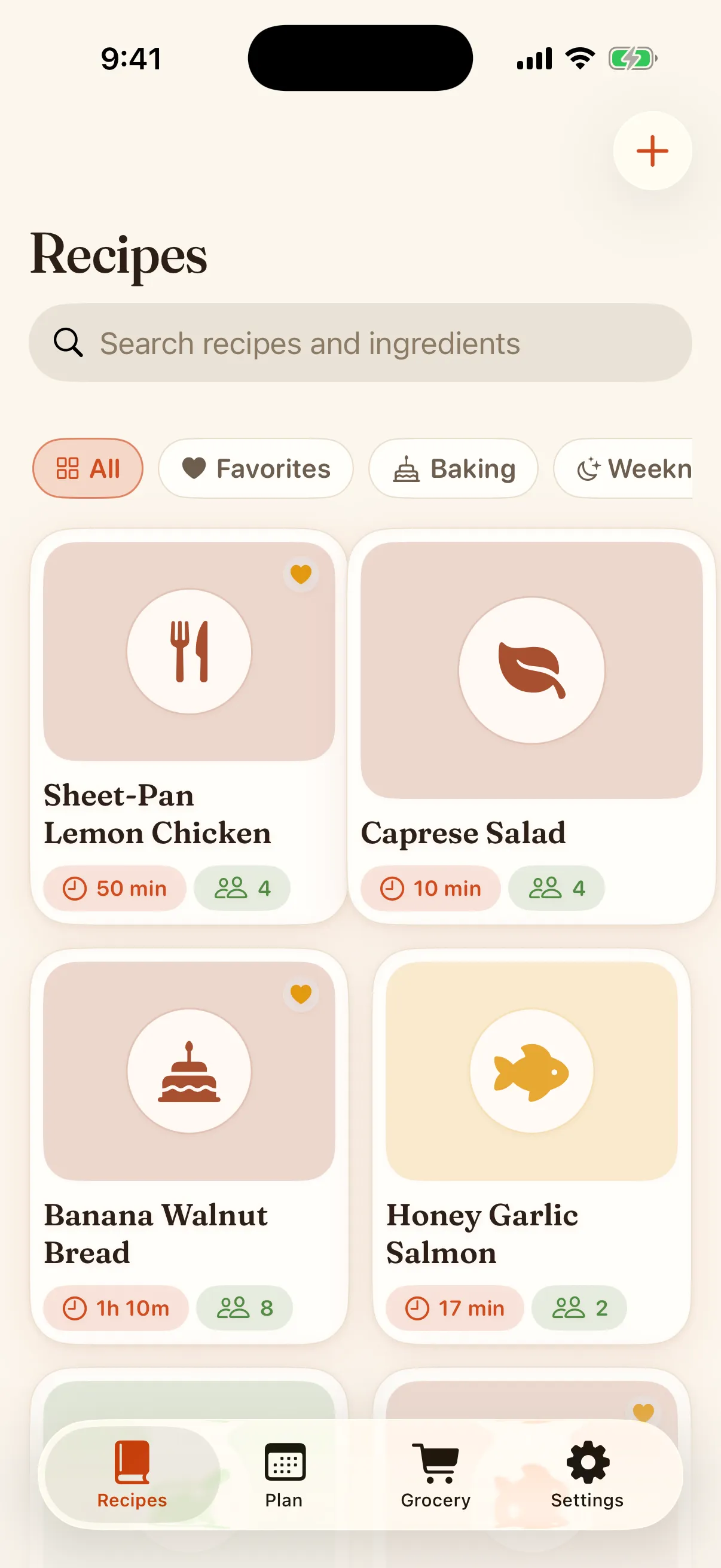
Organize into cookbooks, tag anything, mark your favorites, and search the library by title or by an ingredient you have on hand.
Watch, widgets, and Siri
Tonight’s plan on your home screen, the grocery list on your wrist. Siri and Shortcuts can add to your grocery list, tell you what’s for dinner, and start a kitchen timer.
Nutrition and pairings
A per-serving nutrition estimate and an honest wine suggestion, computed on device.
Send a recipe as a card
Share any recipe as a card in three styles, straight from the recipe screen.
Herb, honey, or berry
Premium dresses the app in a second accent color, and it holds up in light and dark.
Reminders you set
A nudge about tonight, the week, or the list waiting for you. Built on your device, never more than one a day, with quiet hours.
Private by design
Your library lives on your devices and syncs through your own iCloud, which you can turn off in Settings. A full export you keep. No account, no ads, no tracking.
Save from social posts
Share a TikTok, Instagram, YouTube, Facebook, or Pinterest post and Trivet builds a draft from the caption and any recipe link in it.
Made for iPad too
A sidebar, your library beside the open recipe, and a planner you can drag recipes onto. The same library as on your iPhone.
Sync through your own iCloud
Your recipes, plans, and grocery list follow you between your iPhone and iPad. New installs sync when the device is signed in to iCloud, and a library from 1.0 stays local until you turn sync on. No Trivet account, no sync server, and you can stop syncing on any device.
Share the grocery list
Connect it to Apple Reminders and share that list with your household. Add or check off an item in either place and the other updates.
Discover recipe sites
Browse recipe sites inside Trivet and save any recipe with one tap. Shelves built from your own library, like favorites you have not cooked lately. Pages open in a built-in browser that keeps no cookies or history, and Trivet reads the recipe on your device.
Send a recipe or a list as a file
Send a recipe or a grocery list to a friend as a file that opens in Trivet, after a confirmation, so nothing lands in a library by surprise.
Keyboard and drag and drop
On iPad, Cmd-N starts a recipe and Cmd-1 to 5 switch tabs. Drag a recipe onto the planner, or a planned meal to another day.